

Back
Technical articles
Herdr turns the terminal into an agent runtime
How Herdr manages existing coding-agent terminals with persistent sessions, blocked states, cross-machine control, and agent coordination.
阅读中文原文 · Translated from the original article; source publication date retained
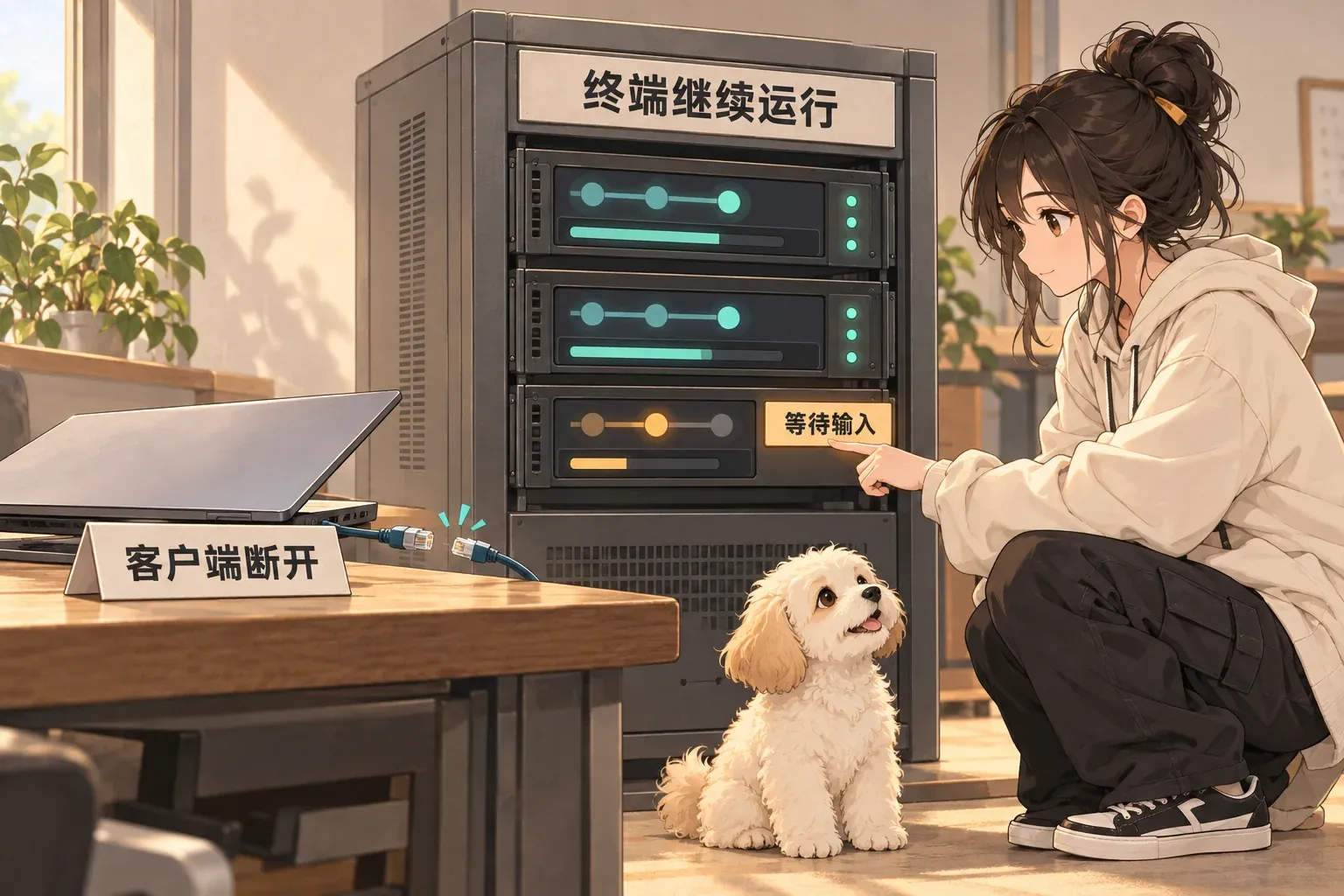
The original cover retains Chinese labels: “Client disconnected,” “Terminals keep running,” and “Waiting for input.” It shows an independent server keeping terminals alive after the client disconnects.
Herdr keeps the agent and turns its terminal into a runtime#
Claude Code, Codex, Cursor, and OpenCode increasingly resemble a set of parallel development processes rather than a single chat window. When you run one agent, a terminal is enough. With several agents, the problems become specific. Which one is still running? Which is stuck? Which is waiting for input? Will the task survive an SSH disconnect? How do you reconnect to an agent on another machine? How do agents notify each other? Herdr handles this layer.
It does not reimplement coding agents#
The Herdr README is explicit. It supports existing tools such as Claude Code, Codex, Cursor, OpenCode, and Grok, but does not wrap or replace them. Herdr manages the terminals those tools run in. Model selection, the agent’s own context management, and authentication stay in the original tool. Herdr handles a layer closer to the operating system: terminal processes, panes, connections, and status. That boundary is more specific than building another unified chat UI.
The first problem is keeping work running#
Ordinary terminals and SSH sessions are often tied to the client. Herdr uses a background server to keep terminals running. They continue when you close the client or lose the SSH connection. After a machine restarts, Herdr can restore the saved layout and resume sessions for supported agents. There is an important limit here. The original process does not survive a machine reboot. The README says this explicitly. These details matter because agent tasks may run for tens of minutes or longer. The control plane needs to distinguish a disconnected client, a process that is still running, a machine reboot, and a session that can be resumed.
The second problem is knowing who is waiting for you#
Herdr marks panes as working, blocked, or idle. That sounds minor, but it addresses a real multi-agent workflow. When several coding agents run at once, the biggest waste of time may be an agent that stopped to wait for confirmation long ago without you noticing, rather than an agent that is slow. Status detection turns a passive terminal window into a task interface you can query.
The third problem is working across machines#
Herdr can put local tasks and saved SSH hosts in the same window. Each machine connects and reconnects independently. This suits an increasingly common setup: control work from a laptop while larger repositories or long-running tasks run on a server. You do not need to turn the agent itself into a cloud service. You need reliable management of remote terminals and sessions.
Agents can operate this runtime too#
Herdr is not only for people. The README says agents can use the CLI and socket API to create panes, send prompts to other agents, and wait until another agent actually enters the blocked state. The terminal runtime becomes a coordination interface. A planning agent can launch an implementation agent. When implementation finishes, it can notify a review agent. A person intervenes only when a state requires a decision. The important part is that every step has an explicit state and interface, rather than the “multi-agent” label.
Kandev and Vicoa take two other approaches#
Kandev puts the control plane at the task and code-review layer. It has Kanban, parallel tasks, worktree isolation, multi-repository tasks, workflows composed of different agents, and multiple executors. Vicoa extends the control plane to desktop and mobile. Multiple agents can run on different machines, while the mobile client lets you inspect sessions, diffs, and notifications. These three projects do not prove that one architecture will win. They define three clear system boundaries: the terminal runtime, the development workflow, and cross-device control.
What builders can borrow directly#
If you are building coding-agent tools, answer one question first: which layer do you actually need to control? At the terminal layer, handle processes, sessions, status, and reconnection well. At the task layer, handle isolation, dependencies, review, and recovery. At the team-control layer, handle permissions, notifications, cross-device access, and human takeover. Do not rebuild the entire product starting with the model layer simply because model APIs are easy to connect. Herdr’s most useful design choice is its narrow boundary. Existing agents keep evolving. Herdr handles one persistent problem: making their terminals durable, observable, and able to coordinate.#

End of article · Back to writing
Comments
Comments are public and managed through GitHub Discussions.
Preparing the comment section…
Sign in with GitHub once the comment box is ready, or open the repository discussions directly. Open GitHub Discussions ↗Comments are published to the public discussions of the lora-sys/loraSys repository.